How can you tell your dog exactly which action earned a treat? A clicker used in training gives your dog a clear signal at the moment the desired behavior happens, followed by a reward. With a little practice, teaching a dog with a clicker can feel less like guessing and more like a conversation.
You can start with a curious puppy or an adult dog, a quiet room, and a handful of tiny treats. The click marks the action you want to see again; the treat gives your dog a reason to repeat it. Here is how to connect those two events and use them to teach a first skill.
Clicker Dog Training: Make the Sound Mean Something
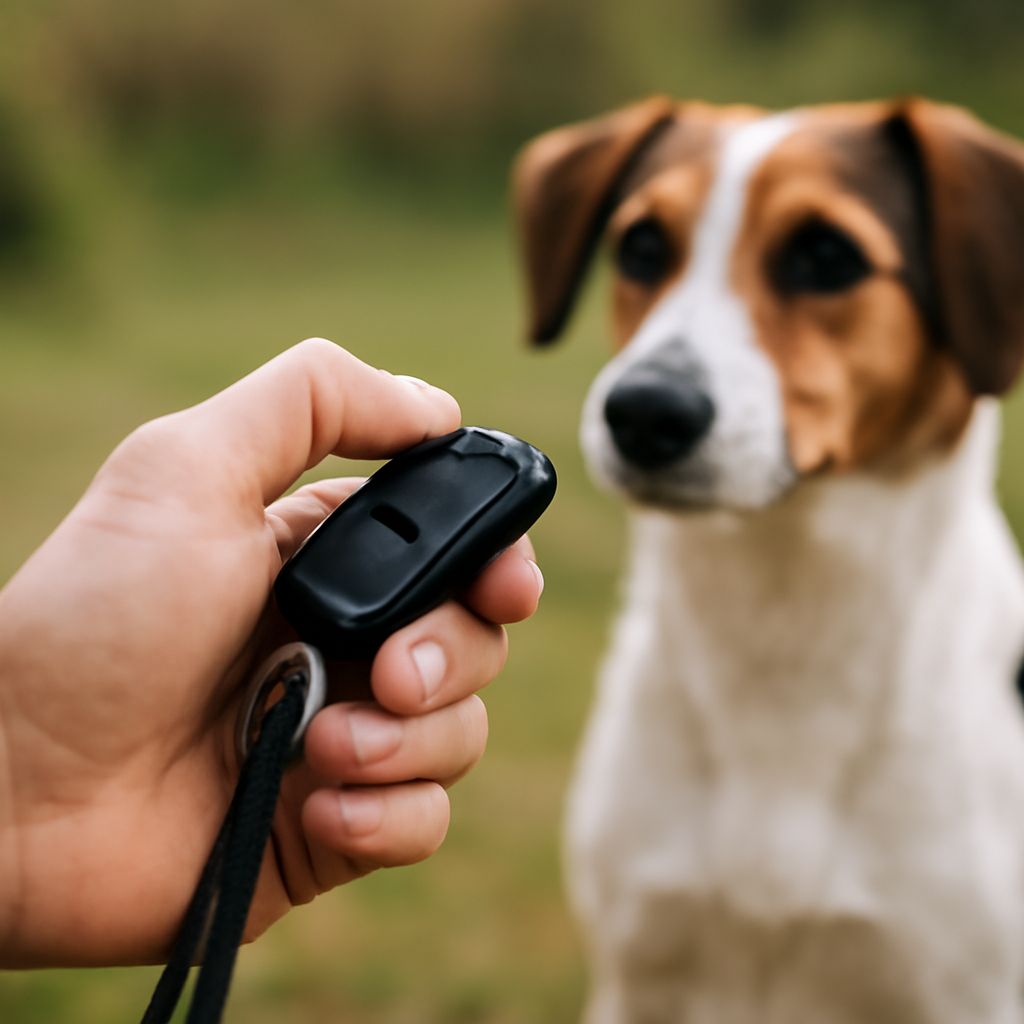
A clicker is a small device that makes a consistent, distinct sound when pressed. Think of the click as a snapshot: it captures the moment your dog did something you liked, even if it takes another second to deliver a treat. The sound gains meaning through repeated pairings with a reward your dog enjoys.
To introduce a clicker for dog training, sit or stand in a low-distraction room. Press it once, then immediately give your dog a small treat. Repeat several times, leaving a little space between repetitions. You do not need to ask for a behavior during this introduction. After several pairings, your dog may look toward you when the sound happens, expecting the food.
Give a reward after every click, including an accidental one. That consistency keeps the marker clear. If the noise makes your dog startle or move away, stop and try a quieter clicker or a short marker word such as “yes” instead. A marker word works on the same principle: say it once, then follow it with a reward.
Set up a comfortable first lesson
Choose soft treats, broken into pea-sized pieces or smaller for a small dog. You can use part of a normal meal if your dog finds it motivating. Account for training food in the day’s intake, and ask your veterinarian for guidance if your dog has a restricted diet.
Keep the clicker in one hand and treats within reach. Before bringing your dog in, practice pressing the button as a ball touches the floor. Once your dog joins you, click first and then reach for a treat, so your reaching hand does not become the main signal.
For puppy clicker training, make the space easy to navigate and keep sessions brief. A minute or two can be plenty; end while your pupil is still interested, then offer a break. If your dog wanders away, sniffs intensely, or stops taking treats, pause and make the next session easier.
Teach a simple hand target
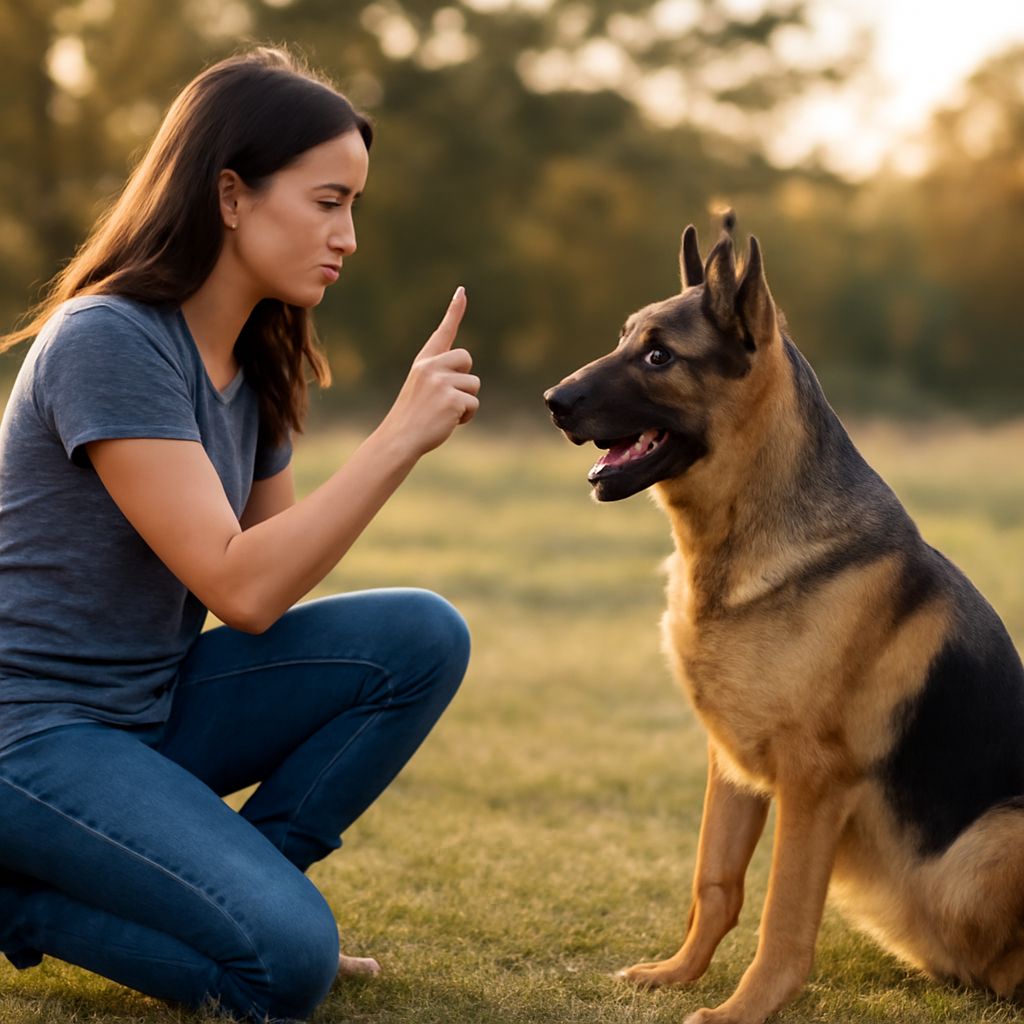
In clicker dog training, a hand target gives your dog a clear action to try and gives you a way to guide movement later. Use an open, empty palm:
- Hold your hand a few inches from your dog’s nose, at a comfortable height.
- When your dog investigates and touches your palm with their nose, click at the instant of contact.
- Give a treat promptly. Lower your hand briefly, then offer it again.
- Repeat a few times. If your dog is unsure, begin by clicking a glance or small movement toward your hand, then gradually wait for a closer approach and a touch.
Once your dog readily touches your hand, offer it slightly to one side. Change the position in small steps so your dog can continue to succeed. Later, you can say “touch” just before presenting your palm; with repetition, the word becomes a cue for the action. Avoid repeating the cue over and over while your dog is still learning what it means.
During clicker training for puppies, place your hand within easy reach and reward gentle contact. If a puppy nibbles, calmly withdraw your hand, pause, and offer it again after the puppy has settled. Reward a nose touch. There is no need to push the puppy’s face toward your hand or correct an exploratory mistake.
Build on success one step at a time
As you train your dog with the clicker, try the target in another quiet room. Then move to a familiar yard with a little more activity. Begin with your hand close and reward easy successes before asking for more.
Change one part of the exercise at a time. For example, increase the distance to your hand before adding the distraction of another person walking nearby. If your dog misses several attempts, return to the previous distance or move farther from the distraction. You are adjusting the lesson, not testing your dog’s patience.
You can also capture a behavior your dog offers naturally. When your dog lies quietly on a mat, click while the dog is still lying down and place a treat between their paws. This rewards the position where you want the dog to remain. A click may also signal that the exercise is finished, so allow your dog to move afterward and offer another opportunity to settle.
Clicker training puppies can include everyday moments like four paws on the floor when you approach. Mark that moment and deliver the treat low. In clicker lessons with a puppy, add distance or take a break when excitement rises.
Use the marker as a teaching tool
As a behavior becomes familiar, you can respond with praise, play, or another reward your dog values in appropriate situations. You do not need to carry the device forever: once a learned response is reliable, you can use the cue and reward the behavior without marking every repetition. Bring the marker back when teaching something new or refining a particular step.
Successful training with a clicker depends on observing what your dog actually does. If a treat is ignored, try a quieter setting or a different reward. If your dog seems worried by the exercise, reduce the difficulty and let the dog choose whether to continue. Reward-based work should leave both of you ready to try again.
The most likely snag is a late click. If you mean to mark a nose touching your hand but click after your dog has already turned away, the repeated result may be a quick touch followed by a turn. Give the promised treat, then adjust your timing in the next short session: hold your hand close, watch the nose, and press at contact. A few accurate repetitions will make the message much clearer.